

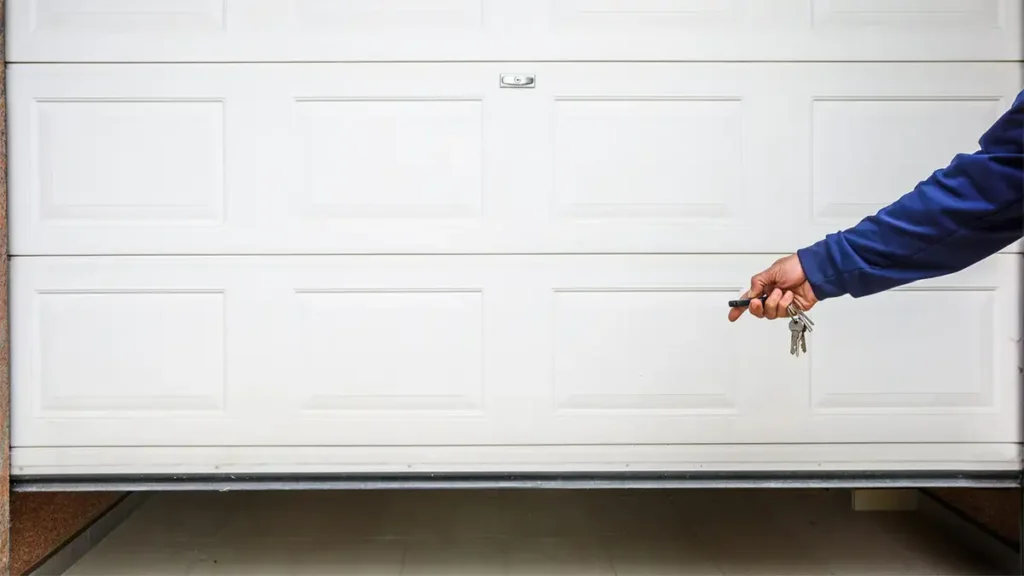
There’s nothing more frustrating than pressing your garage door remote and getting nothing but silence. You press it again. Still nothing. You try the button in your car. Nothing. The door doesn’t budge, and you’re left wondering what’s gone wrong. These 5 fixes will help you
The good news is that most garage door remote issues are simple to fix. In many cases, the problem is a dead battery or a simple reprogramming issue. However, sometimes the problem is more serious—a faulty motor, a broken circuit board, or a wiring issue that requires professional attention.
This guide walks you through five simple fixes to try before calling a professional. We’ll cover the most common causes, how to diagnose them, and when it’s time to pick up the phone.
See our complete guide to garage doors for a full breakdown of types, costs, and maintenance.
Fix 1: Check and Replace the Garage Door Remote Battery
This is the most common cause of a non-working remote, and it’s the easiest fix. If your remote has suddenly stopped working, the battery is almost always the culprit.
How to Check the Battery
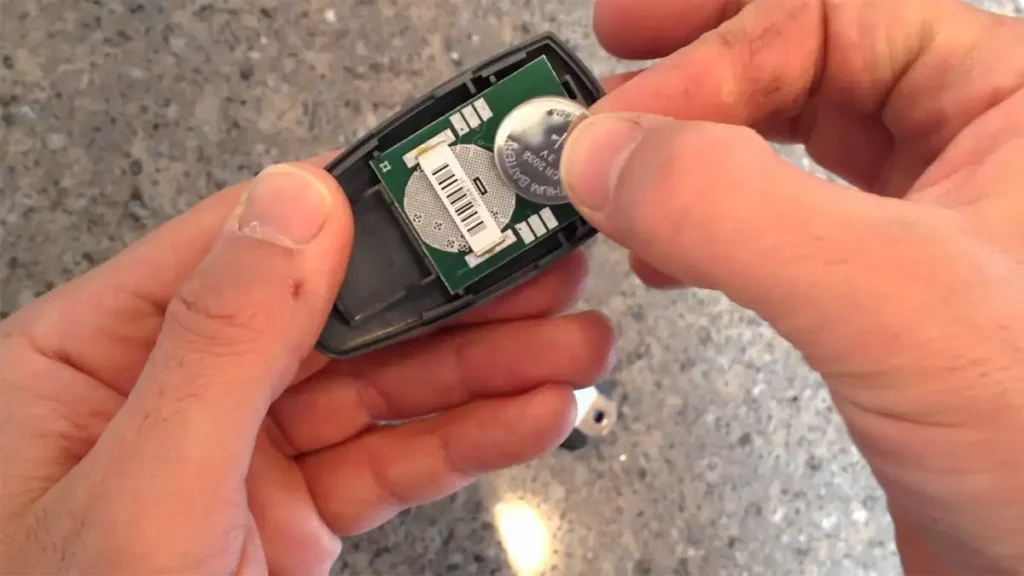
Step 1: Open the remote control casing. Most remotes have a small screw on the back or a clip that you can press to release the casing.
Step 2: Check the battery. Is it corroded? Does it look old? Most remote batteries last 1-2 years, depending on usage.
Step 3: If you have a multimeter, you can test the battery voltage. Most garage door remotes use a 3V lithium battery. When the voltage is below 2.8V on the multimeter, it’s time to replace it.
Step 4: Replace the battery with a new one of the same type in the correct position.
Step 5: Test the remote. If it works, you’re done. If it still doesn’t work, move on to Fix 2.
Important Note
Always use the correct battery type for your remote. Using the wrong battery can damage the remote and void any warranty. If you’re unsure, check the manufacturer’s instructions or take the old battery to a hardware store for a replacement.
Fix 2: Reprogram the Garage Door Remote
The remote may have lost its programming if you find out the battery isn’t the problem. This can happen after a power cut, a battery change, or if the remote has been knocked or dropped.
How to Reprogram a Garage Door Remote
The exact process varies by manufacturer, but here’s a general guide:
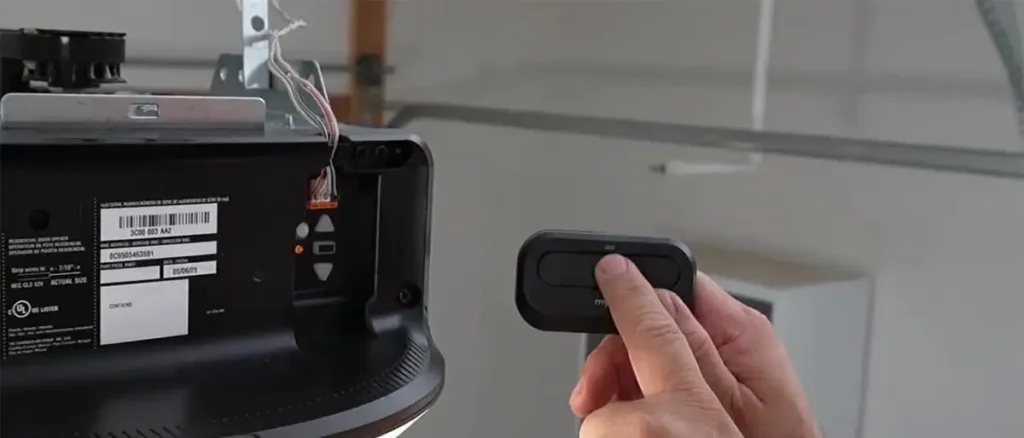
Step 1: Locate the “Learn” button on your garage door opener unit. You can usually find this on the back or side on the motor housing. The button is typically red, yellow, green, or purple.
Step 2: Press and release the “Learn” button. The indicator light on the opener should start flashing. You usually have about 30 seconds to complete the programming.
Step 3: Press and hold the button on your remote. The light on the opener should flash or turn solid, indicating that the remote has been paired.
Step 4: Test the remote. If it works, you’re done. If it still doesn’t work, repeat the process or check the manufacturer’s instructions for your specific model.
What If the Learn Button Doesn’t Work?
If the “Learn” button doesn’t respond, there may be a problem with the opener itself. This could be a power issue, a faulty circuit board, or a wiring problem. If this is the case then your best bet is to call a professional.
Fix 3: Check for Interference
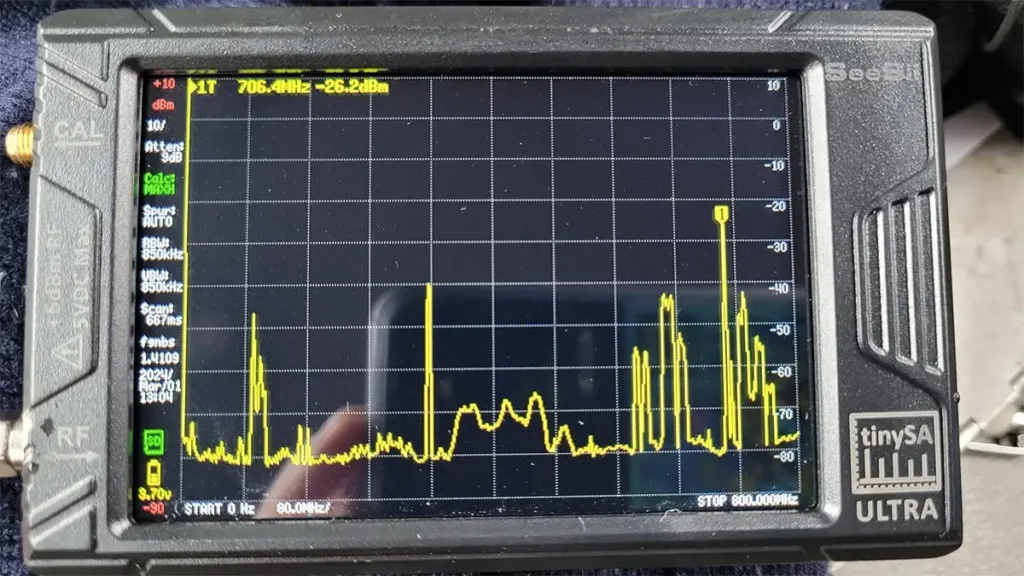
Sometimes the problem isn’t the remote, it’s the environment. If there are over devices in the area they can interfere with the signal and stop your remote control from working.
Common Sources of Interference
- Wi-Fi routers and extenders
- Baby monitors
- Cordless phones
- Other garage door remotes
- Nearby radio transmitters
- LED lights (some can cause interference with garage door openers)
How to Check for Interference
Step 1: Move closer to the garage door. If the remote starts working when you’re right next to the door, interference is likely the cause.
Step 2: Try unplugging any potential sources of interference, such as Wi-Fi routers or LED lights. If the remote starts working, you’ve found the problem.
Step 3: If you can’t eliminate the interference, consider a remote with a different frequency or a wired keypad instead.
Fix 4: Check the Opener Power
If your remote isn’t working, check the power to the garage door opener itself. If the opener isn’t getting power, the remote won’t work.
What to Check
Step 1: Check if the lights on the opener are on. If they’re off, the opener isn’t getting power.
Step 2: Check the circuit breaker. Has it tripped? If so, reset it.
Step 3: Check the power cord. Is it plugged in? Is the outlet working? You can test this by plugging something else into the same outlet.
Step 4: Check the wiring. Can you see any damage on the power supply cable to the unit?
What If the Power Is On but the Remote Still Doesn’t Work?
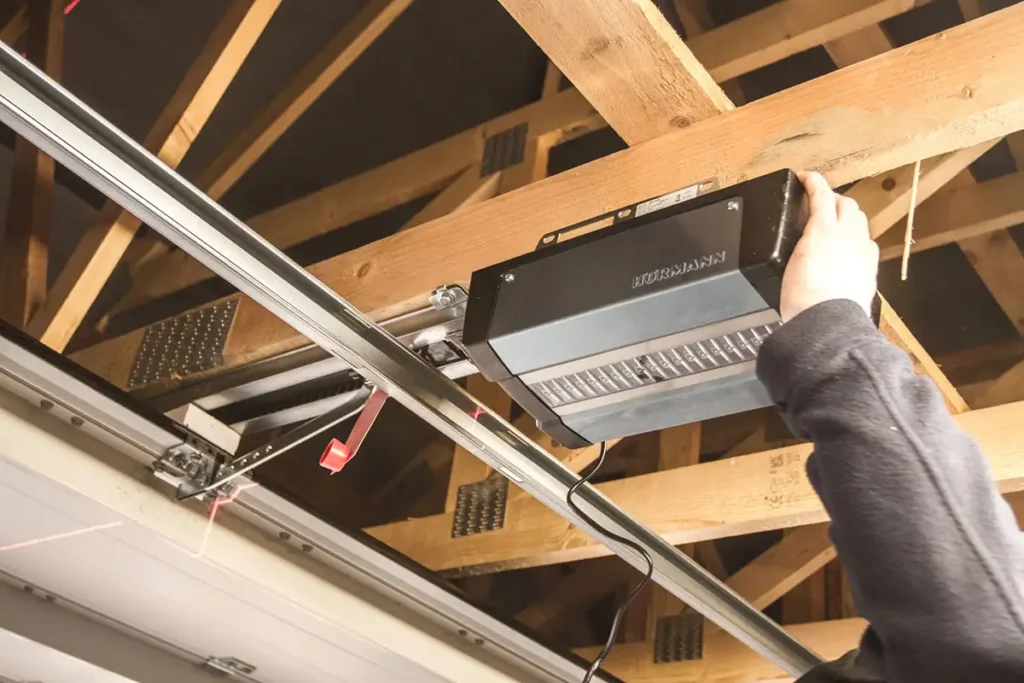
If the opener is getting power but the remote still doesn’t work, there may be a problem with the receiver or the circuit board. The fix for this is electrical inside the control unit, it would probably be best to call a professional.
Fix 5: Check the Sensors
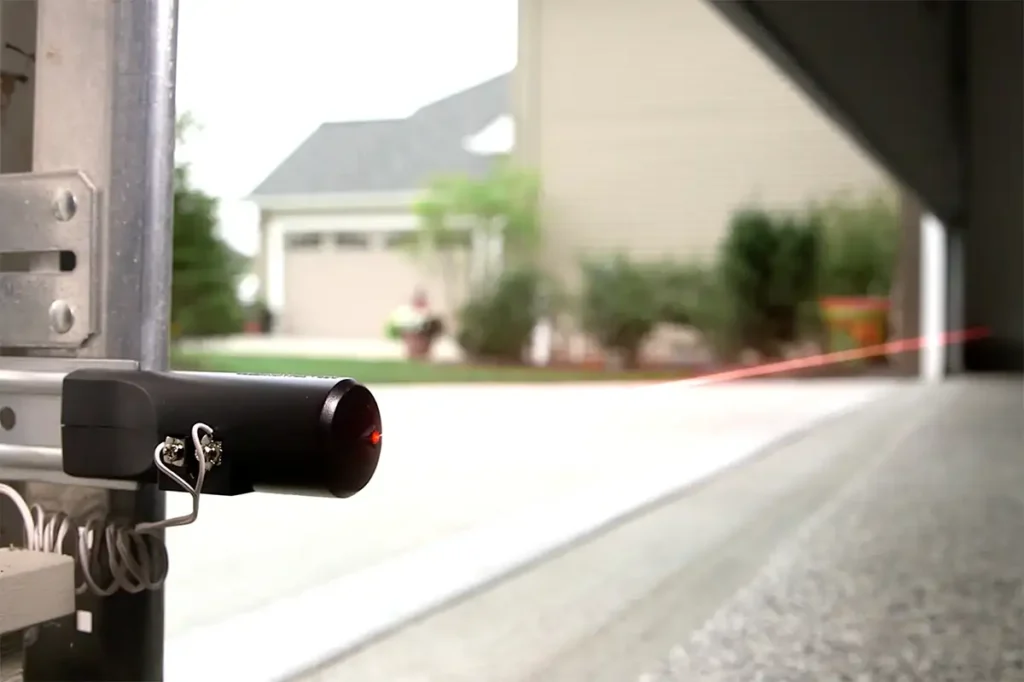
Sometimes the problem isn’t the remote at all—it’s the safety sensors. If the sensors are blocked, dirty, or misaligned, the door won’t close. This will give the impression the remote isn’t working.
What to Check
Step 1: Check the sensors. Are they clean? Wipe the lenses with a soft, dry cloth.
Step 2: Check the alignment. Are both sensors pointing directly at each other? If these sensors are not aligned then the door won’t close.
Step 3: Check the wiring. Can you spot any damage to the sensor wires on the garage door? Is anything blocking the beam?
Step 4: Test the sensors by pressing the remote. If the door tries to close but then reverses, the sensors are the problem.
How to Fix Sensor Issues
- Clean the sensor lenses: Use soft fabric to remove any dust, cobwebs and/or debris.
- Realign the sensors: Loosen the bracket, adjust the sensor so it’s pointing directly at the other sensor, and tighten the bracket.
- Remove obstructions: Clear anything blocking the beam.
If the sensors are clean, aligned, and unobstructed but still not working, the problem may be with the wiring or the sensors themselves. A professional can diagnose and fix this.
When to Call a Professional
If you’ve worked through all five fixes and your remote still isn’t working, the problem is likely more serious. Here’s when to call a professional.
Signs You Need a Professional
- The opener is making unusual noises: Grinding, clicking, or humming can indicate a worn motor or stripped gears.
- The opener is slow to respond: If the door opens slowly or struggles to operate, there may be a mechanical problem.
- The “Learn” button doesn’t work: If you can’t program the remote, the receiver may be faulty.
- There’s visible damage: If you can see damaged wiring, broken components, or corrosion, call a professional.
- The problem is intermittent: If the remote works sometimes but not others, there could be an underlying issue.
What a Professional Will Do
A professional garage door installer can:
- Diagnose the problem quickly and accurately
- Repair or replace faulty components
- Ensure the door is balanced and operating safely
- Provide a guarantee on their work
New to garage doors? Start with our complete guide to garage doors for everything you need to know.
How Much Does a Professional Garage Door Remote Repair Cost?
The cost depends on the problem:
| Repair Type | Typical Cost |
|---|---|
| Battery replacement | £5 – £15 (DIY) |
| Remote reprogramming | £50 – £100 |
| Sensor repair or replacement | £80 – £150 |
| Circuit board replacement | £150 – £300 |
| Motor replacement | £200 – £500 |
Preventing Future Garage Door Remote Problems
Once your remote is working again, here’s how to keep it that way. It would be wise to also complete a full maintenance check on the whole door twice every year.
Tips for Long-Term Garage Door Remote Reliability
- Change the battery every 1-2 years: Don’t wait for it to stop working.
- Keep the remote clean: Dust and dirt can affect the button contacts.
- Protect the remote from impact: Dropping it can damage the internal components.
- Store the remote safely: Avoid leaving it in direct sunlight or extreme temperatures.
- Test the remote regularly: If it feels less responsive, it’s time for a new battery.
FAQ: Garage Door Remote Problems
Q: Why does my remote work sometimes but not others?
A: This is often a battery issue or interference. Try replacing the battery and checking for sources of interference.
Q: Will a universal remote work for my garage door?
A: Yes, universal remotes are available and can work with most opener brands. However, you’ll need to program them correctly. If you’re unsure, ask a professional for advice.
Q: How many remotes can I program for one opener?
A: Most openers can store up to 8-12 remotes. Check the manufacturer’s instructions for your specific model.
Q: What if I lose my remote?
A: You can program a replacement remote using the “Learn” button, or call a professional to reset the opener and program new remotes.
Garage Door Remote Repair Summary
A non-working garage door remote is frustrating, but in most cases, the fix is simple. Start with the easiest solutions—checking the battery and reprogramming the remote—and work your way through the list.
If you’ve tried all five fixes and the remote still doesn’t work, the problem may be more serious. A professional will be able to diagnose the issue and in result get your door working again quickly and safely.